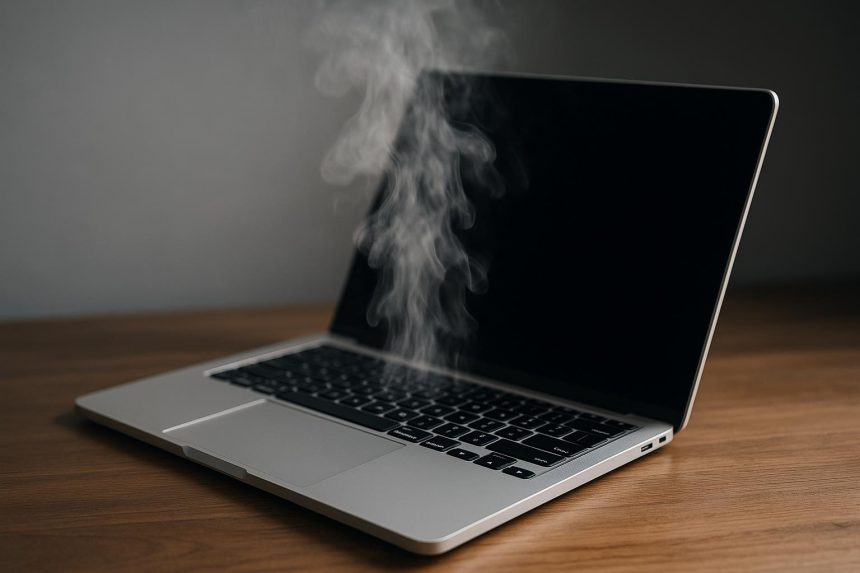
As we use our MacBook, the temperature increases and that becomes very problematic. The most important thing is figuring out exactly why the MacBook is overheating and how you can handle that. Thankfully, there are many different ways to stop your device from overheating, and here you have some of the top ones.
Why is your MacBook overheating?
- A very common reason is that resource-heavy apps will increase the temperature within your device, and that’s why it’s overheating so much.
- Airflow problems, such as having the vents packed with some dust, those can lead to overheating problems as well.
- There can also be some software issues causing these problems.
- Your browser can also be the culprit, since browsers with lots of extensions can eat up a lot of system resources.
See the resource hogs
If you have your MacBook overheating, a lot of the time that means you have some type of tool that requires a lot of resources. And in this case, the best approach is to enter the Activity Monitor and then assess the CPU and memory consumption. If an app requires a lot of resources, then a very good idea is to find an alternative. That will make it easier to prevent MacBook overheating problems.
Improve browser management
A good rule of thumb in most of these situations is to figure out what type of issues you have with your browser. And a lot of the time, you should close some tabs. Better tab management is going to help eliminate most issues here. That’s because if you have a lot of tabs open, that’s a huge issue and it will affect the way your browser runs. The same thing is valid if the browser stays open for many hours a day, eventually it could have memory leaks which increases the memory consumption.
Use a cleanup tool
One of the best tips for MacBook is to ensure that you are using a cleanup tool. That will remove a lot of unnecessary files which were consuming resources. So yes, it can help you deal with the overheating problem, while also saving effort and time. All in all, it’s a solid idea to consider, and one that can provide excellent results in the end.
Clear startup apps
A good rule of thumb when it comes to startup apps is to enter the general system preferences and then you go to the login items and extensions. Here, you want to choose what apps can run in the background and which ones are ok. Not only will it streamline things more effectively, but the value you’re getting is much better as well.
And then, you can also enter the Battery options in the same system settings. Here, you want to use the low-power mode when you’re on the go or if it’s too hot outside. Enabling reduced transparency and reduce motion can be a good idea as well. Also, keep an eye on the battery life and level, just to be on the safe side.
Clean the MacBook vents
A good idea is to power down the unit, use an antistatic brush and also compressed air where possible to remove dust from the vents. The best idea here is to avoid any hot setups, elevate for airflow and even rely on stuff like cooling pads. The focus is on figuring out how to keep the device cooled down, as that will help more than expected.
When you are using the MacBook, check the fans. Under load, the fans are easy to hear. But if they are not spinning or something is not ok, stop what you are doing and either take the device to a repair shop or open it up yourself.
Update and restart
It’s not always the solution, but doing an update to the latest version is crucial here, and it will help you solve most problems. Updating and restarting is going to solve some software issues. And if those were causing problems, then you will be able to see some type of improvement. It’s a good idea to at least try this, because it will eliminate most problems, and it will provide a much better result than expected in the end. It’s always important to take your time, assess issues, and then narrow down what is working for you.
Closing thoughts
Clearly, the best idea when it comes to dealing with overheating problems is narrowing down the reason why this happens. Once you know that, it becomes much easier to identify the problem and then figure out a solution. It’s well-worth it, mainly because if you ignore the overheating issues, eventually that will cause damage to the internal components. So, making sure you know how to handle everything and addressing even the most minor concerns will make a major difference down the line.

Lynn Martelli is an editor at Readability. She received her MFA in Creative Writing from Antioch University and has worked as an editor for over 10 years. Lynn has edited a wide variety of books, including fiction, non-fiction, memoirs, and more. In her free time, Lynn enjoys reading, writing, and spending time with her family and friends.