


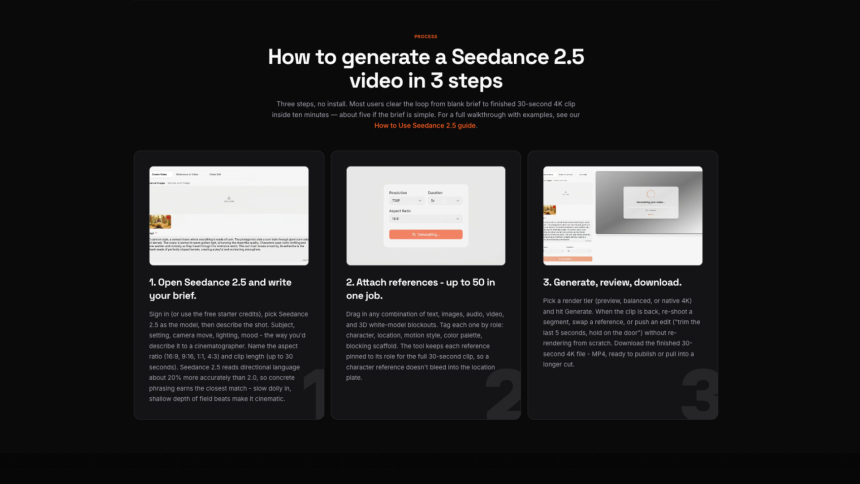
Every new AI video model creates excitement. Creators naturally want to explore new capabilities, compare results, and see how the latest release fits into their creative process.
With Seedance 2.5 expected to become publicly available soon, many discussions are focused on what the model might offer. While new features always attract attention, experienced creators often take a different approach—they prepare their workflow before testing a new model.
Organizing prompts, reference images, production assets, and evaluation criteria in advance helps reduce unnecessary revisions and makes it easier to understand how a new model performs in real creative projects. Rather than waiting until launch day, now is an ideal time to build a workflow that is ready for whatever comes next.
A Strong Workflow Lasts Longer Than Any Single AI Model
AI video technology continues to evolve quickly. One release may improve camera movement, another may introduce better prompt understanding, while future updates may expand support for multimodal inputs.
Although individual features will continue to change, a well-organized workflow remains valuable regardless of which model you use.
Instead of rebuilding your creative process every time a new tool appears, focus on assets that can be reused across projects:
- Prompt templates
- Brand resources
- Product photography
- Character references
- Video clips
- Audio libraries
- Motion ideas
- Style references
These resources become part of your long-term creative foundation.
Build a Prompt Library Instead of Writing From Scratch
Many creators still write a completely new prompt for every project.
A more efficient approach is to build a reusable prompt library.
Rather than keeping everything in one paragraph, organize prompts into separate sections such as:
- Subject
- Environment
- Camera movement
- Lighting
- Motion
- Visual style
This modular structure makes prompts easier to update, compare, and reuse.
If you’re already following Seedance 2.5, this is also a good opportunity to review your existing prompts and organize them into templates before the model becomes publicly available.
Organize High-Quality Reference Images
Reference images are becoming an increasingly important part of AI video production.
Instead of searching for images during every project, consider building a dedicated library in advance.
Useful categories include:
- Character portraits
- Product photos
- Interior and outdoor scenes
- Lighting references
- Color palettes
- Composition examples
Well-organized reference materials help maintain visual consistency while making future projects easier to manage.
Even if different AI models process reference images differently, having your creative assets prepared will always save time.
Prepare Video and Audio Assets Before You Need Them
Prompts are only one part of an efficient workflow.
Supporting assets often determine how quickly you can move from generation to production.
Before a new model launches, consider organizing resources such as:
Video assets
- Product images
- Logo animations
- Brand graphics
- Background footage
- Motion elements
Audio assets
- Background music
- Voice-over recordings
- Ambient sounds
- Sound effects
- Intro and outro audio
Preparing these materials ahead of time allows you to evaluate generated videos within a realistic production environment rather than treating each generation as a standalone experiment.
Keep Your Creative Resources Organized
As your collection of prompts and assets grows, a clear folder structure becomes increasingly valuable.
For example:
Seedance-2.5/
├── Prompt Library
├── Reference Images
├── Characters
├── Product Assets
├── Video Clips
├── Audio
├── Brand Materials
└── Exports
This type of organization makes it easier to repeat experiments, compare different prompt versions, and collaborate with other team members.
Small improvements in organization often lead to significant improvements in productivity.
Decide What You’ll Evaluate Before Testing
One successful video doesn’t necessarily show how useful a model will be in everyday work.
Before experimenting with a new AI model, prepare a simple evaluation checklist.
For example:
| Evaluation Area | Questions to Consider |
| Prompt following | Does the output accurately reflect the instructions? |
| Character consistency | Does the subject remain visually consistent? |
| Camera movement | Are movements smooth and intentional? |
| Visual quality | Are lighting and details stable? |
| Editing readiness | Can the output fit naturally into a production workflow? |
| Practical value | Would you use it in a real client or personal project? |
Establishing these criteria before testing helps produce more objective comparisons and prevents decisions based only on first impressions.
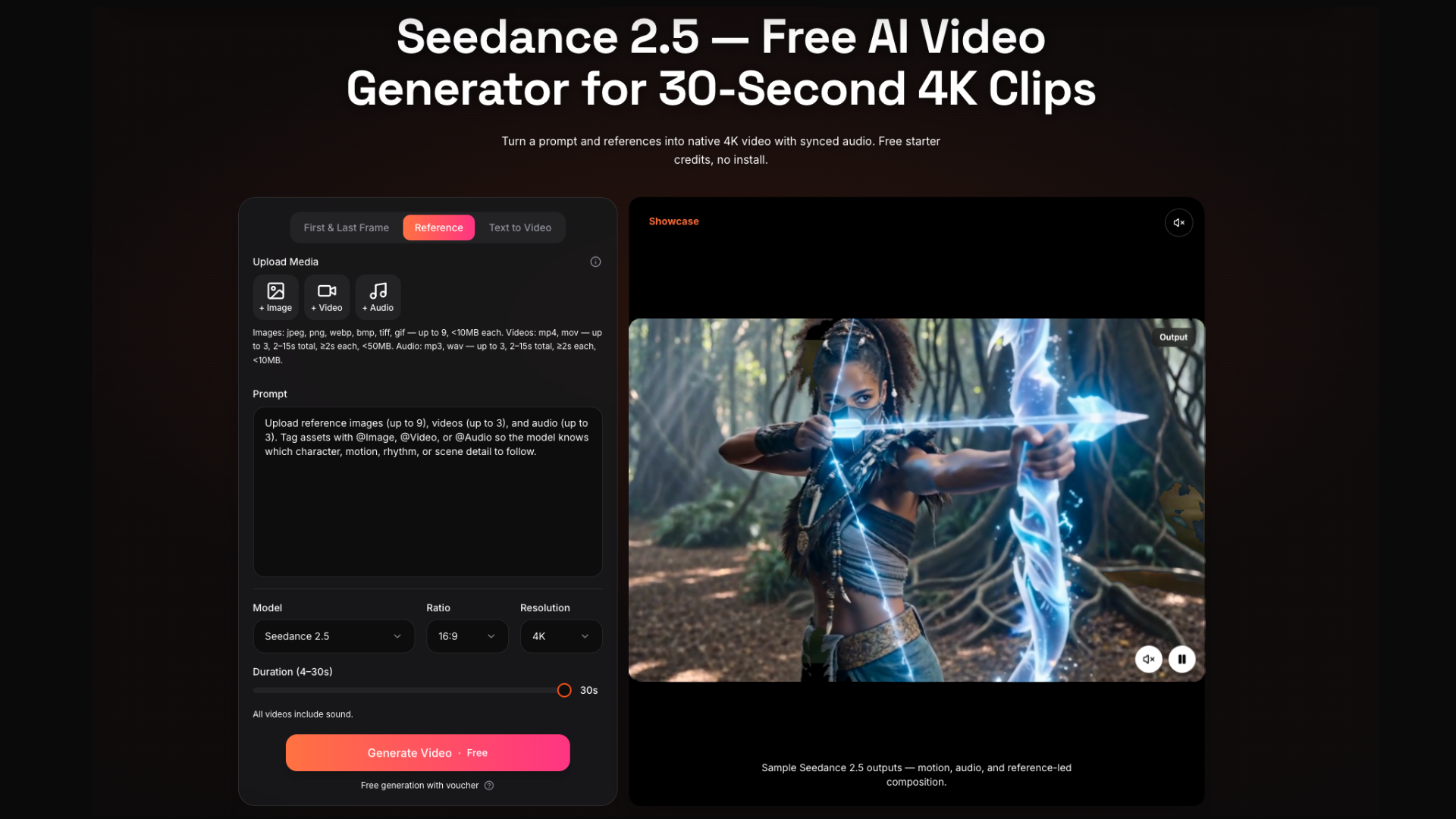
Many of these best practices are also part of a practical Seedance 2.5 workflow guide, helping creators build a consistent process before the model officially becomes available.
Preparation Creates Better Creative Results
It’s easy to focus on new features whenever a major AI model is announced.
However, successful creators often gain the greatest advantage by improving the parts of the workflow they already control.
Updating your prompt library.
Organizing reference images.
Preparing reusable video and audio assets.
Creating a consistent folder structure.
Defining clear evaluation criteria.
None of these tasks depend on a model being publicly available, yet all of them make future testing faster and more meaningful.
Final Thoughts
Every new AI video release is an opportunity to improve not only the technology you use but also the way you work.
Instead of waiting for Seedance 2.5 to become available before organizing your creative process, use this time to prepare the resources that support every successful project.
A structured workflow, reusable prompts, high-quality reference materials, and well-organized production assets will continue to provide value long after the excitement of a new model launch has passed. Whether you’re creating commercial videos, educational content, or social media projects, preparation is often the difference between simply trying a new tool and making it part of a reliable creative workflow.

Lynn Martelli is an editor at Readability. She received her MFA in Creative Writing from Antioch University and has worked as an editor for over 10 years. Lynn has edited a wide variety of books, including fiction, non-fiction, memoirs, and more. In her free time, Lynn enjoys reading, writing, and spending time with her family and friends.