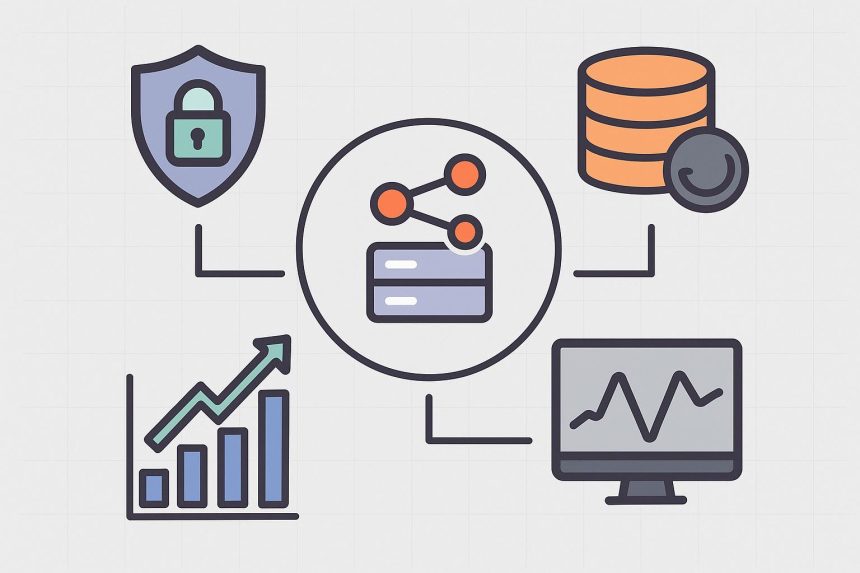
Self-hosting n8n gives you full control over your automation workflows, data, and infrastructure. For teams handling sensitive data, custom integrations, or high-volume automations, running n8n on your own server can be a powerful alternative to managed SaaS plans. That control, however, comes with responsibility. Security, reliability, and scalability need to be designed in from day one.
This guide walks through the practical steps and best practices for self-hosting n8n securely, covering SSL, backups, scaling strategies, and monitoring.
Choosing the Right Hosting Environment
Before configuring anything, it’s important to start with a stable hosting foundation. A VPS or dedicated server gives you predictable resources, root access, and the flexibility to tailor your setup. When evaluating n8n hosting, look for providers that offer reliable uptime, fast storage, scalable resources, and data centre locations that meet your compliance requirements. Managed infrastructure can significantly reduce operational overhead while still allowing full control over your n8n instance.
Securing n8n with SSL and HTTPS
Running n8n over HTTPS is non-negotiable, especially if it’s exposed to the internet. SSL encrypts traffic between users, webhooks, and the n8n UI, protecting credentials and payloads from interception.
Most self-hosted setups place n8n behind a reverse proxy such as Nginx or Traefik. This allows you to:
- Terminate SSL at the proxy
- Automatically renew certificates using Let’s Encrypt
- Restrict access by IP, auth, or VPN
- Forward only necessary traffic to n8n
Never expose n8n directly over plain HTTP, and avoid binding it publicly without a proxy layer.
Hardening Access and Authentication
Once SSL is in place, focus on access control. n8n supports user authentication, but additional layers improve security. You would need to disable public access to the editor unless required, use strong, unique passwords for all users, and restrict admin access to trusted Ips. If n8n is used internally, placing it behind a VPN or private network can significantly reduce attacks.
Backup Strategies That Actually Work
Backups are often ignored until it’s too late. A proper n8n backup strategy should include:
- The database (Postgres or SQLite)
- Encryption keys and environment variables
- Workflow definitions and credentials
- Custom nodes or configuration files
Automate backups on a schedule and store them off-server (object storage or another region). Just as important: test restores regularly. A backup that hasn’t been restored successfully is not a backup.
Scaling n8n for Reliability and Load
n8n can handle a surprising amount of workload on a single instance, but as usage grows, scaling becomes important.
Common scaling approaches include:
- Moving from SQLite to Postgres early
- Separating the database onto its own server
- Running multiple n8n instances behind a load balancer
- Using queue mode for heavy or long-running workflows
Queue mode is especially valuable for production environments, as it prevents slow or failing workflows from blocking others.
Monitoring and Observability
You can’t secure or scale what you can’t see. Monitoring should cover both system-level health and application-level behaviour.
At a minimum, track CPU, memory, disk, and network usage, the n8n uptime and response times, and workflow execution errors and retries. Centralized logging makes troubleshooting far easier, especially when workflows grow in number and complexity. Alerts should notify you before small issues become outages.
Final Thoughts
Self-hosting n8n securely is less about one-time setup and more about disciplined operations. When done properly, a self-hosted n8n instance becomes a robust automation backbone you can trust. It can be flexible enough to grow with your needs, and secure enough to handle real-world workloads with confidence.

Lynn Martelli is an editor at Readability. She received her MFA in Creative Writing from Antioch University and has worked as an editor for over 10 years. Lynn has edited a wide variety of books, including fiction, non-fiction, memoirs, and more. In her free time, Lynn enjoys reading, writing, and spending time with her family and friends.