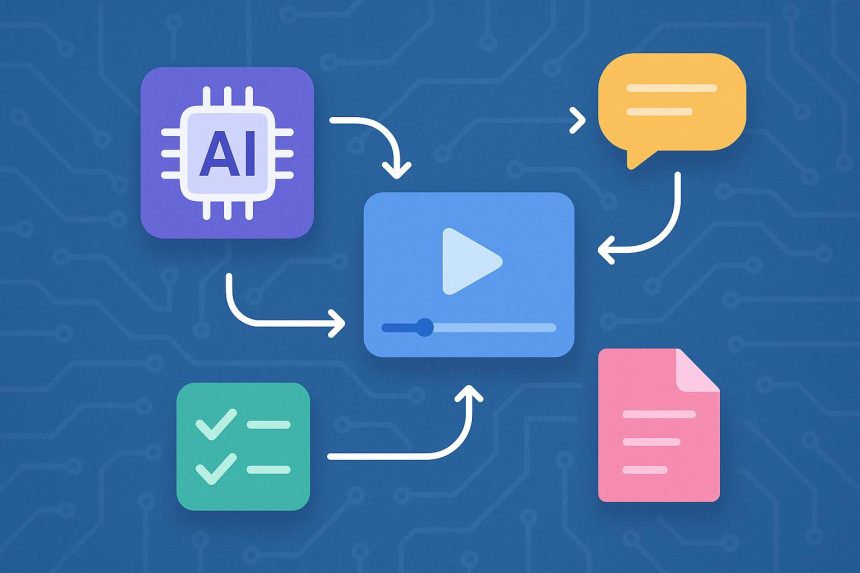
Teams that produce video for marketing, training, product education, or social media are under constant pressure to move faster without losing control over quality. The challenge is not only the final render. It is the full path from idea to script, from script to scene, and from scene to a version that can be reviewed by writers, designers, and stakeholders. When that path is unclear, small edits become expensive, approvals slow down, and promising ideas are often abandoned before they reach an audience.
A more practical workflow starts with readable planning. Before opening a timeline or handing a brief to a creative tool, teams benefit from defining the message, audience, visual tone, call to action, and review criteria in plain language. A simple structure can prevent confusion later: one sentence for the goal, one paragraph for the story arc, and a short list of the key visuals that must appear. This gives collaborators a shared source of truth and makes it easier to judge whether each generated clip is helping the story or only adding decoration.
AI video tools are becoming useful because they can turn these structured notes into drafts more quickly than a traditional production cycle. A platform such as Seedance 2.0 can support that process by helping creators move from prompt to visual output while preserving enough flexibility for iteration. The best results still come from human direction. Teams should treat the generated video as a first draft, not as a finished decision. That mindset keeps expectations realistic and helps reviewers focus on framing, pacing, clarity, and brand fit.
Review quality also improves when teams separate creative feedback from technical feedback. Creative feedback asks whether the message is clear, whether the scene order feels natural, and whether the style matches the audience. Technical feedback checks resolution, audio timing, captions, aspect ratio, and export settings. Mixing these conversations can make a review session feel endless. Keeping them separate helps each person give feedback in the area where they add the most value.
Another important habit is documenting prompt changes. Many teams save only the final video file, but the more useful asset may be the reasoning behind it. Recording the prompt, the rejected variations, and the final adjustment notes creates a repeatable playbook. When a similar campaign appears later, the team does not have to rediscover what worked. They can adapt a proven structure, avoid earlier mistakes, and deliver a more consistent result across channels.
Readable workflows also protect brand consistency. A video may be short, but it still carries tone, pacing, visual hierarchy, and product promise. If every creator uses a different process, the audience notices the inconsistency. Shared templates for briefs, prompts, review comments, and export checks help maintain a steady voice while still leaving room for experimentation. This is especially valuable for teams publishing frequent updates, product explainers, or campaign variants.
AI will continue to reduce the time needed to create video drafts, but speed alone is not the goal. The stronger advantage is the ability to test more ideas while keeping the production process understandable. When teams write better briefs, organize feedback, and keep a record of decisions, they can use AI video tools with more confidence. The result is a workflow that is faster, clearer, and easier to repeat, which is exactly what modern content teams need.

Lynn Martelli is an editor at Readability. She received her MFA in Creative Writing from Antioch University and has worked as an editor for over 10 years. Lynn has edited a wide variety of books, including fiction, non-fiction, memoirs, and more. In her free time, Lynn enjoys reading, writing, and spending time with her family and friends.