

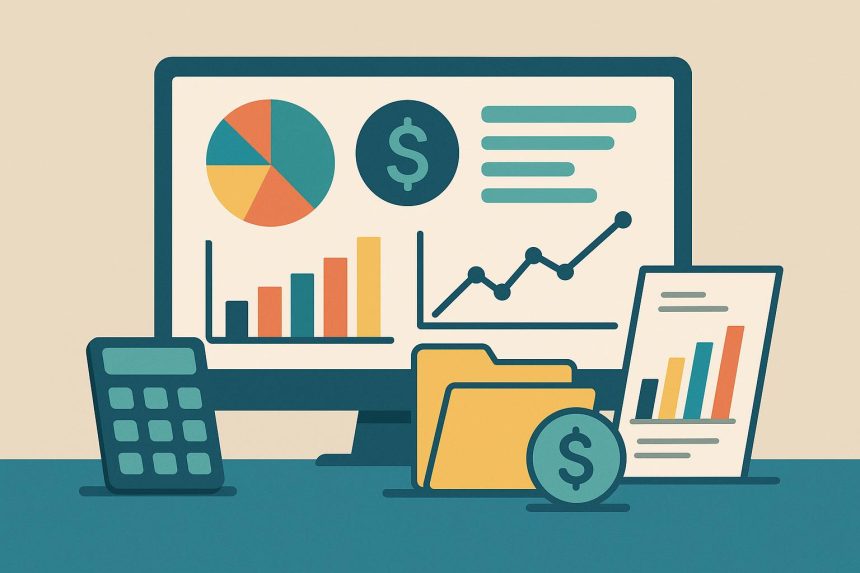
A budget dashboard is helpful when it shows the few things that deserve attention. It becomes less useful when every chart feels urgent.
A useful dashboard does not require constant attention. It should surface meaningful changes early enough to act on them.
Start With the Gap Between Plan and Reality
The CFPB recommends reviewing bank and credit-card activity so the budget can be compared with what is actually happening in the account.
A dashboard should make that comparison easy. If the plan says $800 should remain and the account behavior suggests otherwise, you need to know where the difference came from.
Timing Matters as Much as Totals
Penn State Extension’s calendar places income on the dates it arrives and bills on their due dates, then asks the user to decide which pay period will cover each expense.
That is a useful reminder for dashboards: a healthy monthly total can still hide a tight week. Upcoming obligations deserve enough visibility that you don’t mistake committed cash for spendable money.
Use the Dashboard for Exceptions
The most useful screen is often the one that shows what changed. Maybe groceries are 25 percent higher than usual, a subscription renewed, or a non-monthly expense is approaching.
Monarch’s money management app provides visual progress bars, historical category trends, and an iOS budget widget. Those are examples of quick-glance tools that can surface status without requiring a full budget review every time.
Check on a Schedule, Not on Impulse
For many people, a weekly or mid-month review is enough. Look at progress, upcoming expenses, and anything that is materially off plan, then move on.
What to Check in a Five-Minute Review
A short review can stay focused on four items: current flexible spending, bills due before the next income date, unusual transactions, and any goal or savings contribution that still needs to happen. If those four areas are on track, there may be nothing else to do. This keeps the dashboard tied to decisions instead of turning every available metric into something that needs analysis.
Don’t Treat Normal Variation as an Emergency
Budgets move. A grocery category that is slightly ahead of pace may be balanced by lower transportation spending. A one-time purchase may make one chart look dramatic without changing the month overall. Dashboards are most useful when they provide context, including historical spending or the remaining amount for the full month. Use that context to notice material changes rather than reacting to every small fluctuation.
Trends are often more useful than a single red or green indicator. Imagine dining is 20% above target this month. That could reflect a genuine habit change, or it could be one unusually social week after two quiet months. A dashboard that also shows recent history helps distinguish the two. The same applies when a category is under budget. Spending less once is not necessarily a new pattern worth lowering the target for. Use the dashboard to identify exceptions that repeat, then decide whether the budget or the behavior needs to change. That keeps the review focused on patterns instead of reacting to every temporary swing.
One practical rule is to decide in advance what deserves action. A category that is slightly off pace may only need observation. A duplicate charge, missed bill, or spending pattern that threatens another priority deserves a response. Setting that threshold keeps the dashboard from becoming a stream of equally urgent signals.
Constant monitoring can make normal variation feel like a problem. A dashboard should reduce mental bookkeeping, not turn budgeting into a live score you feel compelled to watch all day.

Lynn Martelli is an editor at Readability. She received her MFA in Creative Writing from Antioch University and has worked as an editor for over 10 years. Lynn has edited a wide variety of books, including fiction, non-fiction, memoirs, and more. In her free time, Lynn enjoys reading, writing, and spending time with her family and friends.