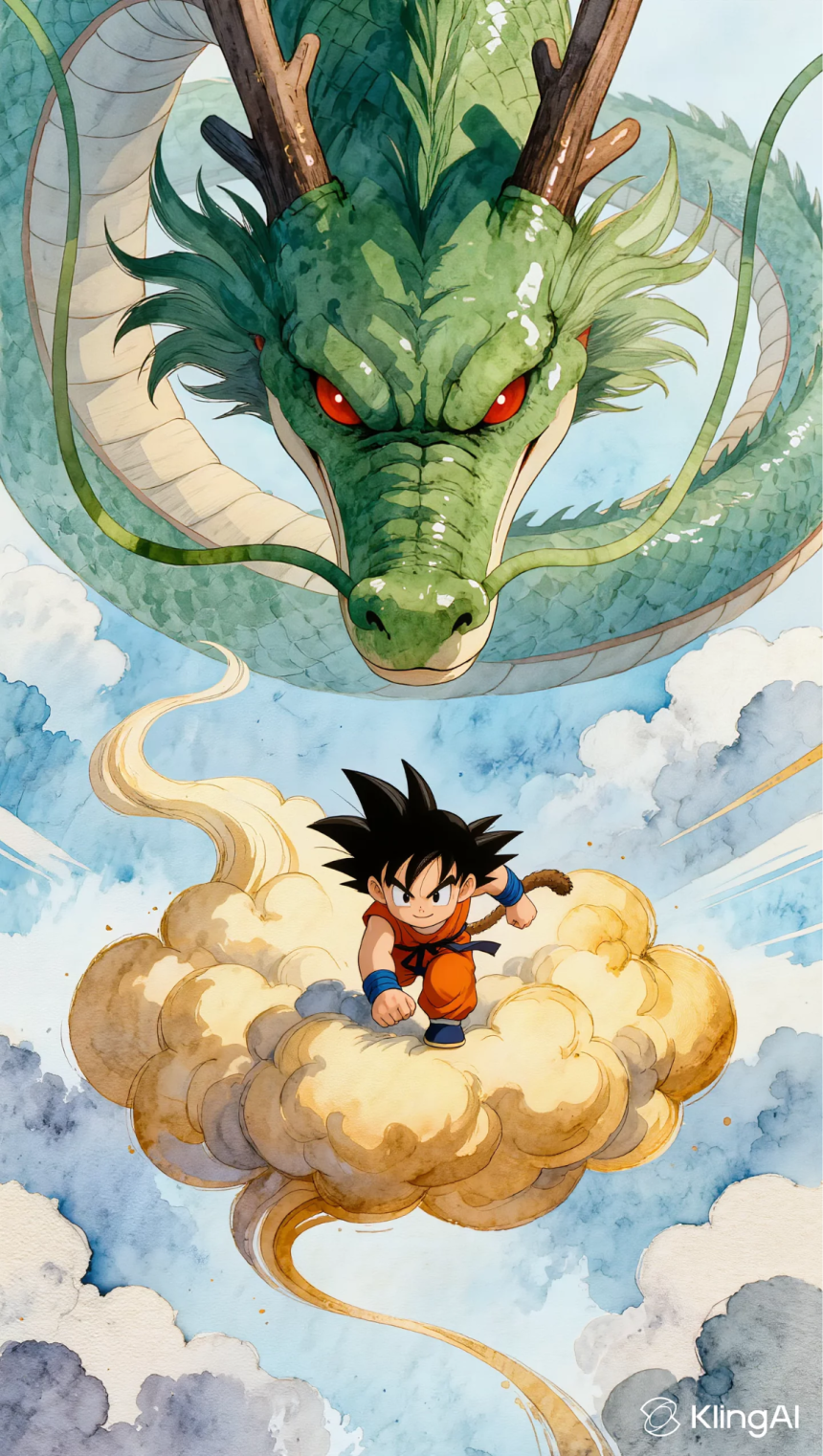
Creating compelling video content used to require expensive software, a full production team, and hours of manual work. Today, AI storyboard generators have changed the game entirely. These tools allow creators, filmmakers, and marketers to transform static images into dynamic video sequences with remarkable precision — and one of the most powerful features driving this shift is the ability to define start frames and end frames.
When you control where a video begins and where it ends at the frame level, you gain creative authority that was once reserved for professional animators. Whether you’re building a cinematic sequence, a product showcase, or a social media clip, understanding how to leverage start and end frame control inside an AI storyboard generator can dramatically improve the quality and consistency of your output. This guide walks you through everything you need to know to get started and get results.
What Are Start Frames and End Frames in AI Video Generation
In traditional video production, a frame is a single still image within a sequence. A video at 24 frames per second contains 24 individual images for every second of footage. When working with AI video generation tools, start frames and end frames refer to the specific images you designate as the opening and closing moments of a generated video clip.
The start frame defines the visual state at the very beginning of the video — the composition, lighting, subject position, and overall scene setup. The end frame defines where the video should arrive by its final moment. The AI then generates all the intermediate frames, creating a smooth, coherent transition between the two points you have defined.
This approach gives creators a level of narrative control that purely prompt-based generation cannot match. Instead of hoping the AI interprets your text description correctly, you are providing concrete visual anchors. The result is a video that moves from a specific starting point to a specific destination, with the AI handling the motion, transitions, and in-between details. For anyone building a storyboard or planning a multi-scene video project, this capability is foundational to producing work that feels intentional rather than accidental.
Why Start and End Frame Control Matters for Storytelling
Storytelling in video is fundamentally about guiding the viewer’s attention from one moment to the next. Without control over how a scene begins and ends, even the most sophisticated AI can produce results that feel disconnected or jarring. Start and end frame control solves this problem by giving creators a direct say in the visual journey of each clip.
Precision in Motion
When you define both the start and end frames, the AI generates motion that is purposeful rather than random. A character can move from one side of the frame to another, a camera can appear to push in on a subject, or an object can transform from one state to another — all with the precision you specify. This is especially valuable for product videos, where showing a specific feature or angle is non-negotiable. The motion feels intentional because it is: you set the destination, and the AI finds the most natural path to get there. Creators who rely on this level of control consistently report that their output requires far less revision and post-production cleanup.
Consistency Across Scenes
One of the biggest challenges in AI-generated video is maintaining visual consistency across multiple clips. When each clip is generated independently, small variations in lighting, color grading, or subject appearance can make a final edit feel disjointed. By using the end frame from one clip as the start frame of the next, creators can chain scenes together with a level of continuity that would otherwise require significant post-production work. This technique is particularly useful for narrative projects, explainer videos, and any content where scene-to-scene coherence matters. It effectively turns a series of isolated generations into a unified visual story.
How to Use an AI Storyboard Generator with Frame Control
Getting the most out of start and end frame functionality requires a clear workflow. The process is more straightforward than it might seem, but a few key practices will help you avoid common pitfalls and produce better results from the start.
Step-by-Step Guide to Frame-Controlled Video Generation
Begin by planning your visual sequence before you open any tool. Sketch or collect the images you want to use as your start and end frames. These can be photographs, illustrations, or frames exported from existing footage. The clearer your visual intent, the better the AI can interpret and execute the transition between the two points.
Once you have your images ready, upload your start frame to the AI storyboard generator. Most platforms will prompt you to add an end frame as a second input. Upload your chosen end frame and review the preview to confirm the two images represent the visual journey you have in mind. Pay attention to subject positioning, background elements, and lighting — these are the cues the AI will use to plan the motion path.
Next, adjust any available settings such as video duration, motion intensity, or style parameters. Shorter durations tend to produce tighter, more controlled motion, while longer durations give the AI more room to develop the transition organically. Experiment with these settings to find the balance that suits your project. After generating the clip, review it carefully and pay attention to how the AI interpreted the space between your two frames. If the motion feels unnatural or the transition is abrupt, try adjusting the end frame slightly — even small changes to the composition or subject position can significantly affect the output quality.
Advanced Tips for Better Results
Once you are comfortable with the basics, a few advanced techniques can take your AI-generated videos to the next level. The first is to use images with consistent lighting and color temperature for your start and end frames. When the two frames share a similar visual tone, the AI has an easier time generating a smooth transition, and the final clip looks more polished and professional.
Another effective strategy is to keep the subject in a similar position across both frames when you want subtle motion, and to place the subject in dramatically different positions when you want dynamic movement. The AI reads the spatial difference between the two frames as a cue for how much motion to generate. Understanding this relationship gives you a reliable way to control the energy and pace of each clip without relying entirely on written prompts.
It is also worth experimenting with abstract or stylized images as your frames. AI storyboard generators are not limited to photorealistic content — they can work with illustrations, concept art, and graphic designs just as effectively. This opens up creative possibilities for animated explainers, branded content, and artistic projects that go well beyond standard video production. Kling AI has developed its image-to-video pipeline with this kind of creative flexibility in mind, supporting a wide range of visual styles and subject matter.
Common Use Cases for Start and End Frame Control
The applications for start and end frame control span a wide range of industries and creative disciplines. For filmmakers and animators, the feature is a natural fit for pre-visualization and storyboarding. Instead of drawing each frame by hand, you can generate rough video sequences from key images and use them to plan camera angles, pacing, and scene transitions before committing to a full production. This dramatically reduces the time and cost of the pre-production phase.
Marketing teams use this capability to create product videos that highlight specific features or transformations. A before-and-after sequence becomes straightforward to produce: set the “before” image as the start frame and the “after” image as the end frame, and let the AI generate the transition. The result is a compelling visual narrative that communicates value without requiring a video production budget or a dedicated motion graphics team.
Content creators on social platforms benefit from the speed and flexibility that frame-controlled generation provides. Short-form video content demands constant output, and being able to generate polished clips from a pair of images dramatically reduces production time. The ability to define exactly where a clip begins and ends also makes it easier to produce content that fits specific aspect ratios and platform requirements without additional cropping or editing.
Educators and trainers are also finding value in AI storyboard generators for creating instructional content. Step-by-step visual guides, process demonstrations, and animated diagrams can all be produced using start and end frame techniques, making complex information easier to communicate and more engaging to consume. The precision of frame-controlled generation ensures that each instructional clip shows exactly what it needs to show, without ambiguity or visual noise.
Bringing Your Visual Story to Life with AI
Start frames and end frames are more than a technical feature — they are the foundation of intentional, story-driven AI video generation. By defining where your video begins and where it ends, you move from passive prompt submission to active creative direction. The AI becomes a collaborator that executes your vision rather than a tool that guesses at it.
Whether you are a filmmaker planning a complex sequence, a marketer building a product campaign, or a content creator looking to produce more with less, mastering start and end frame control inside an AI storyboard generator is one of the highest-leverage skills you can develop right now. The technology is accessible, the learning curve is manageable, and the creative potential is substantial. Start with a clear visual goal, define your frames with intention, and let the AI handle the rest.

Lynn Martelli is an editor at Readability. She received her MFA in Creative Writing from Antioch University and has worked as an editor for over 10 years. Lynn has edited a wide variety of books, including fiction, non-fiction, memoirs, and more. In her free time, Lynn enjoys reading, writing, and spending time with her family and friends.