



The job is not simply to make a still image move. It is to preserve the product while revealing what a photograph cannot show.
Product photography answers “What does it look like?” Social video has to answer something more useful: how it behaves, where it fits, what detail matters, and why the viewer should keep watching.
That makes image-to-video work deceptively demanding. Motion is easy to notice; product drift is easy to miss.
Give the Reference Image One Clear Job
Choose a clean source image that shows the features the video must preserve. If label position, hardware, texture, or silhouette matters, make those elements visible. A highly stylized lifestyle image may inspire mood but provide weak product evidence.
Then state the invariants directly: shape, color, materials, proportions, logo placement, packaging, and any legally sensitive wording. Separate them from what may change, such as lighting, background, camera movement, props, or pace.
The Wan 3.0 reference-consistency workflow describes maintaining products, scenes, characters, and style, including product structure, logos, and materials. Treat that as a production aid, not a guarantee. Every important frame still deserves review. A team may also use a separate concept-image tool for background or mood exploration, while keeping the verified product photo as the source of truth.
A product moves from clean hero shot to material detail and realistic use.
Use Motion to Reveal Evidence
The most useful movement shows something the still image cannot. Rotate an object to reveal construction, move closer to show texture, demonstrate one mechanism, or place the product in a credible routine.
Avoid adding unrelated spectacle. An elaborate camera move can obscure the proof point, while excessive environmental effects may change color or surface appearance. Write the sequence around a customer question: “How large is it?”, “How does it open?”, “What does the finish look like in natural light?”
For social ads, build a vertical version intentionally. Meta’s current Reels guidance emphasizes vertical video, audio, and keeping key messages in the safe zone. A separately composed 9:16 cut usually communicates better than an automatic crop of a wide master.
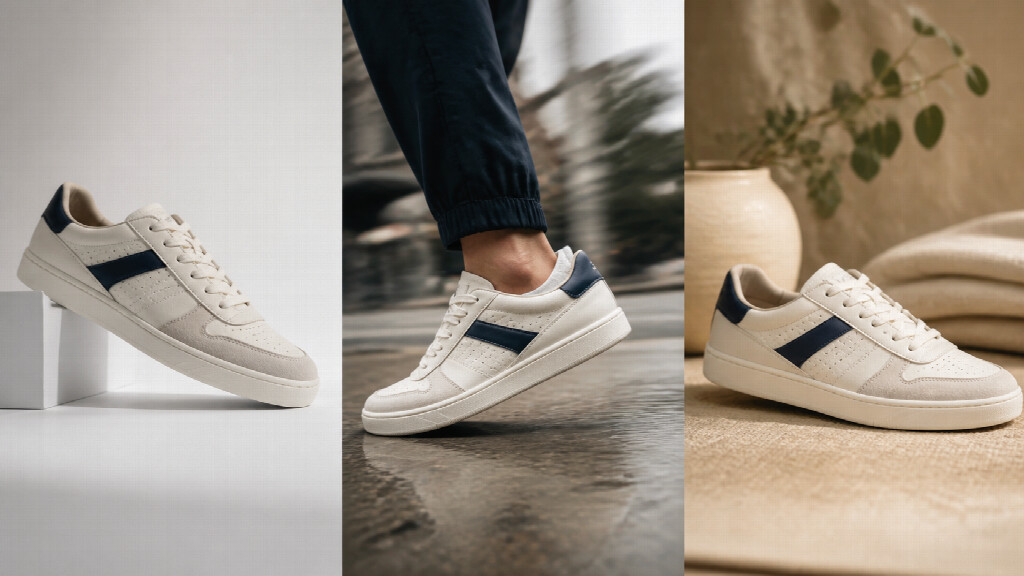
The same product remains visually consistent across studio, motion, and lifestyle scenes.
Finish With a Product-Fidelity Review
Pause on the frames most likely to drift: fast movement, reflections, hands, changing angles, and transitions. Compare them with the approved source. Check small text separately, and overlay essential copy in an editor rather than relying on generated packaging words.
Review the implied claim as well as the visible object. A video can exaggerate speed, size, durability, or a result even when the product looks accurate.
The strongest image-to-video ad feels more informative than the original photo, not less trustworthy. Motion should make the product easier to understand—not turn it into a different product with better lighting.
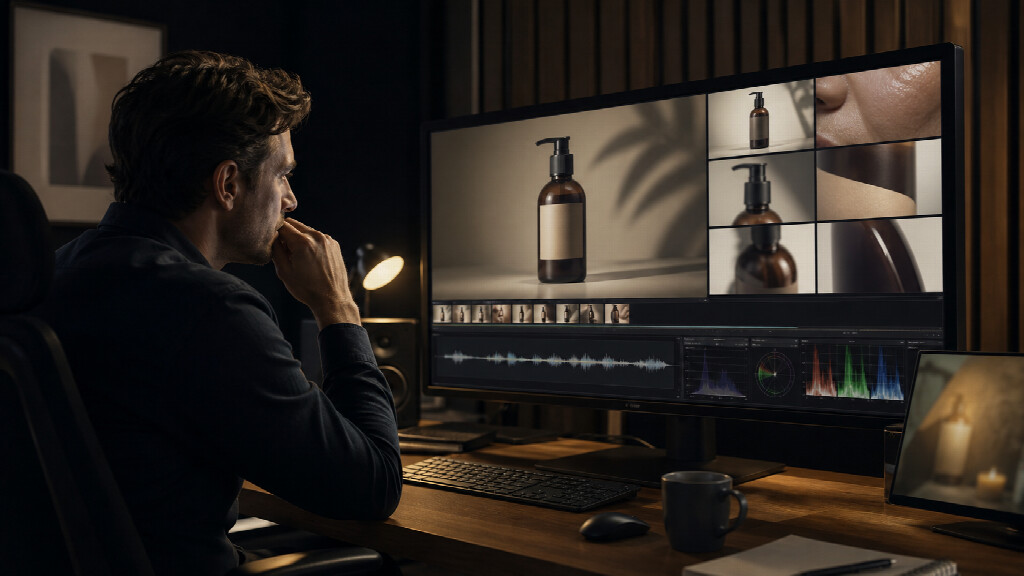
A creative reviewer checks product details before approving a social video ad.

Lynn Martelli is an editor at Readability. She received her MFA in Creative Writing from Antioch University and has worked as an editor for over 10 years. Lynn has edited a wide variety of books, including fiction, non-fiction, memoirs, and more. In her free time, Lynn enjoys reading, writing, and spending time with her family and friends.