
Samsung dominates the digital signage market for one simple reason: its displays are everywhere.
From retail stores and restaurants to corporate lobbies and menu boards, Samsung Smart Signage TVs are often the default hardware choice. Here’s a practical breakdown of the best digital signage software for Samsung displays in 2026.
What Matters Most for Samsung Digital Signage Software?
Most comparison articles obsess over feature lists.
That’s usually the wrong way to evaluate signage platforms.
For Samsung deployments specifically, these factors matter more:
1. Native Tizen Support
If the software runs directly on Samsung Smart Signage displays without external hardware, deployment becomes dramatically simpler.
No media players. No HDMI dongles. Fewer failure points.
2. Content Management Speed
Teams update signage constantly:
- promos
- menus
- campaigns
- schedules
- announcements
The best platforms reduce friction between idea and screen.
3. Remote Device Control
Samsung signage networks are often distributed across multiple locations.
Reliable remote monitoring and reboot capabilities matter far more than flashy dashboards.
4. Ease of Scaling
A platform that works for 3 displays can become painful at 300 displays if the workflow is too technical.
1. Magicinfo — Expensive Samsung Ecosystem Option
If you want the most tightly integrated Samsung experience, Magicinfo is the obvious starting point.
Samsung designed Magicinfo specifically for its own hardware ecosystem, including Tizen-powered commercial displays.
Pros
- Native Samsung integration
- Cloud-based management
- Strong enterprise tooling
- No external player required on many displays
- Reliable large-scale deployment support
Cons
- More enterprise-oriented
- Can feel overly complex for small businesses
- Pricing scales quickly
- UI isn’t especially lightweight
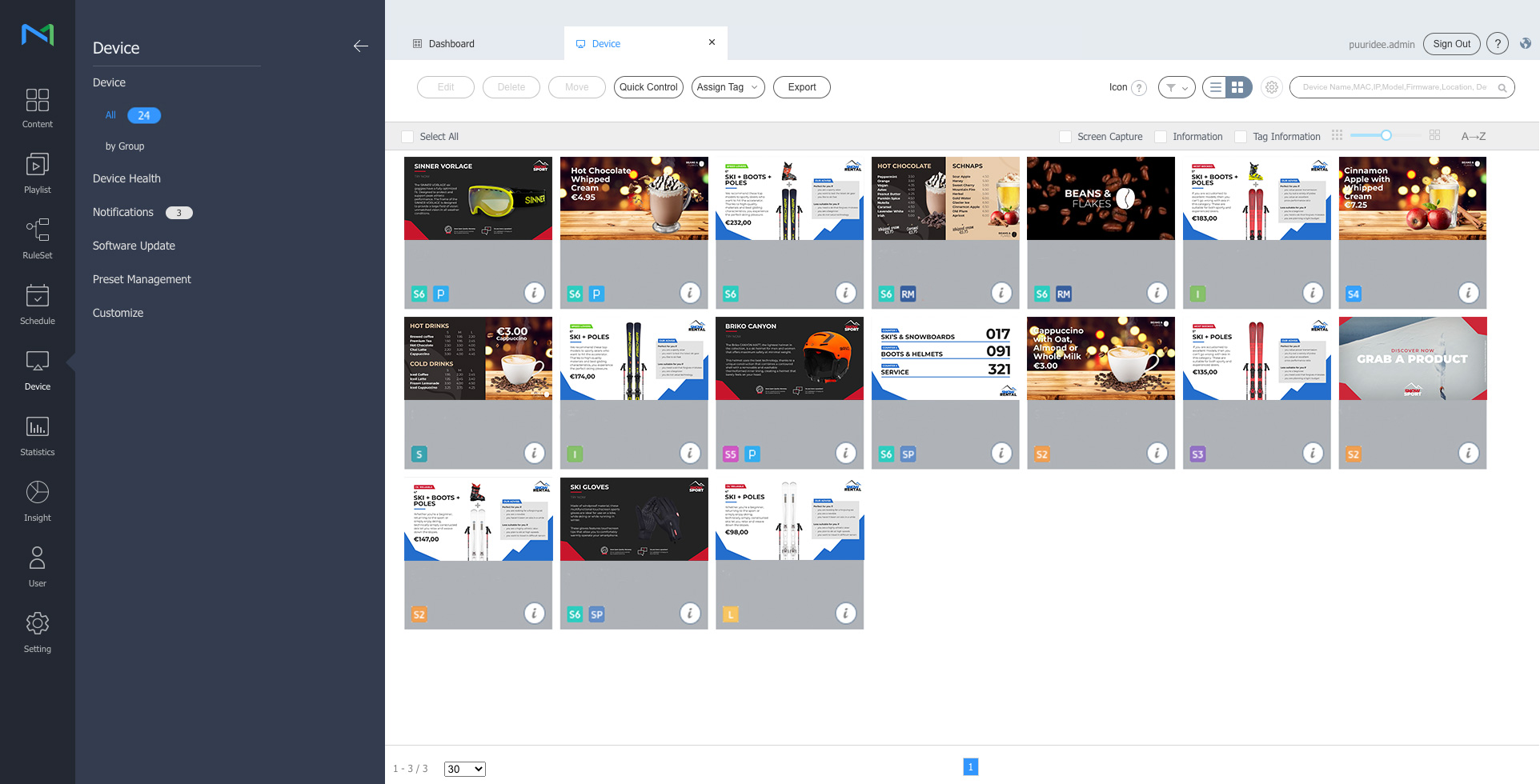
Samsung has aggressively expanded Magicinfo positioning around centralized cloud management in recent years. The main disadvantage of MagicINFO is its pricing. See this comparison from industry experts – 5 Best MagicInfo alternatives.
2. OptiSigns
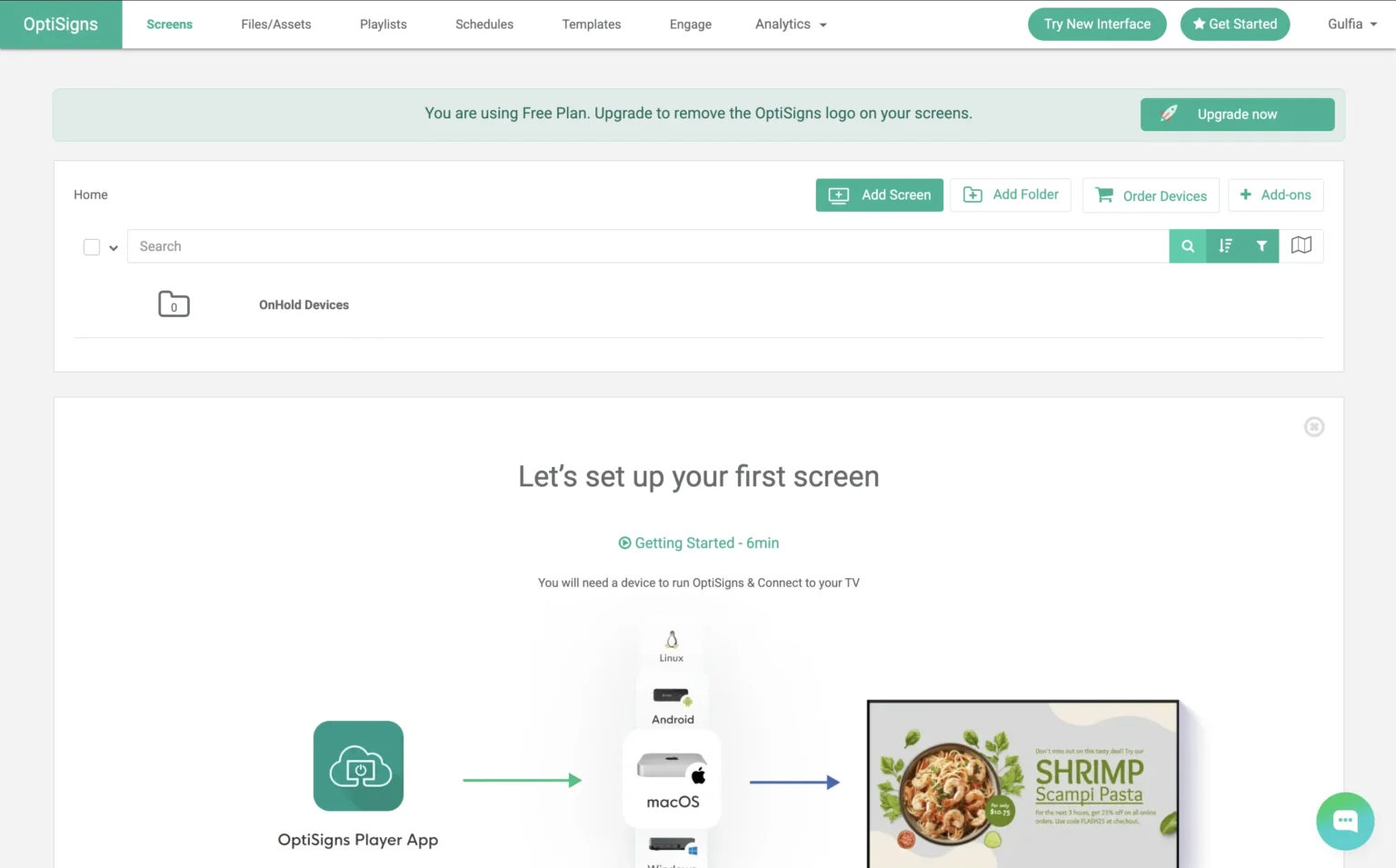
Optisigns became popular because it simplified signage management when most platforms still felt enterprise-heavy.
That advantage still matters.
What It Does Well
- Fast onboarding
- Different templates
- Good remote content management
Weaknesses
- Costs rise as deployments grow
- Some advanced customization requires integrations
- Better for content workflows than infrastructure-heavy deployments
3. Yodeck
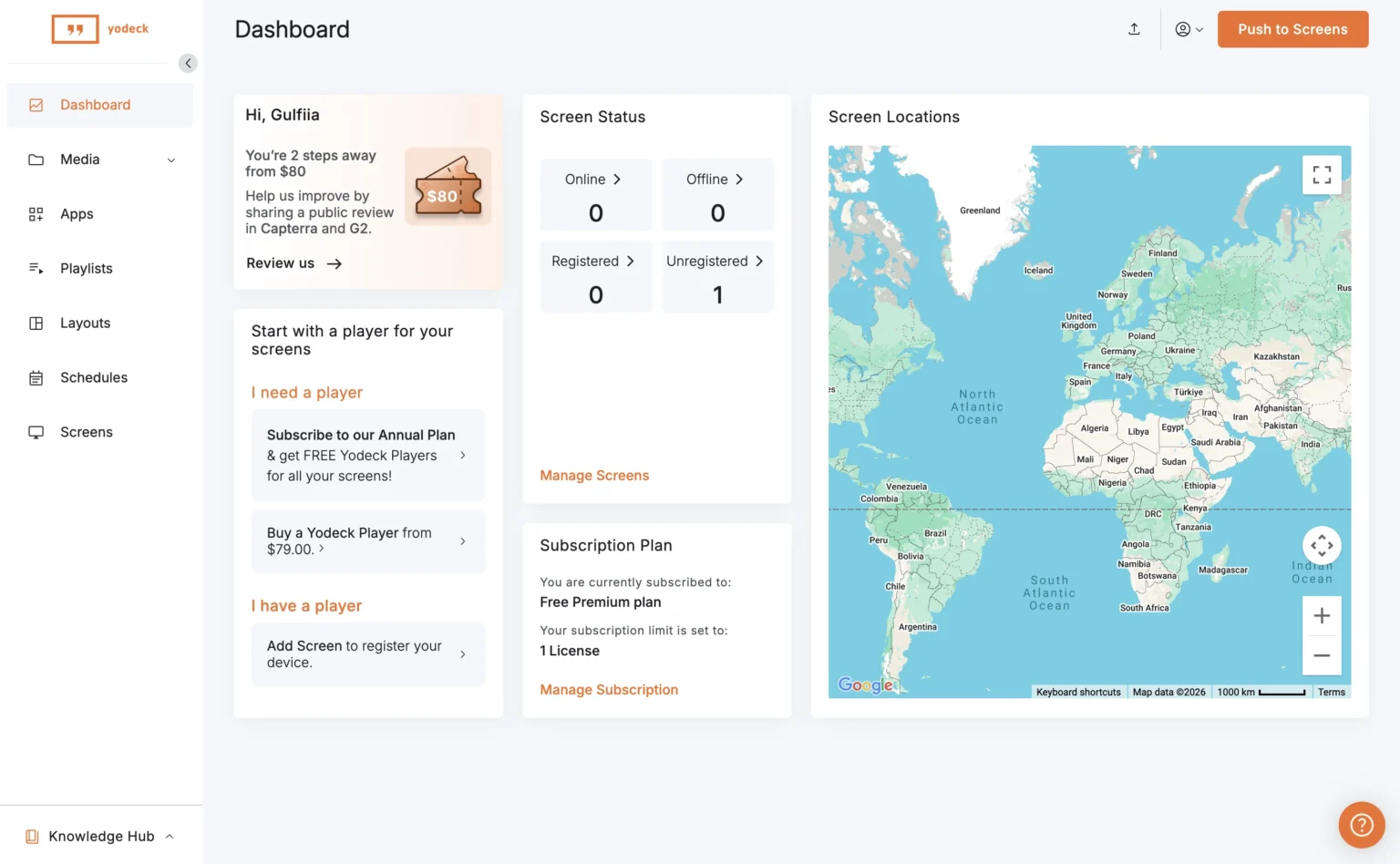
Yodeck grew quickly because it made digital signage affordable. That combination is surprisingly rare.
Why Businesses Like It
- Competitive pricing
- Simple scheduling
- Good template system
- Works well for menus and promos
- Reliable cloud control
Downsides
- UI can feel basic
- Enterprise customization is limited
- Some advanced workflows require workarounds
4. BuzzBlender — Best Lightweight Content-Driven Option
BuzzBlender Samsung Signage Software takes a different approach from traditional enterprise signage platforms.
Instead of positioning itself around infrastructure complexity, it focuses on lightweight content publishing and modern display management workflows.
That becomes especially useful for Samsung-based deployments where teams want:
- fast content updates
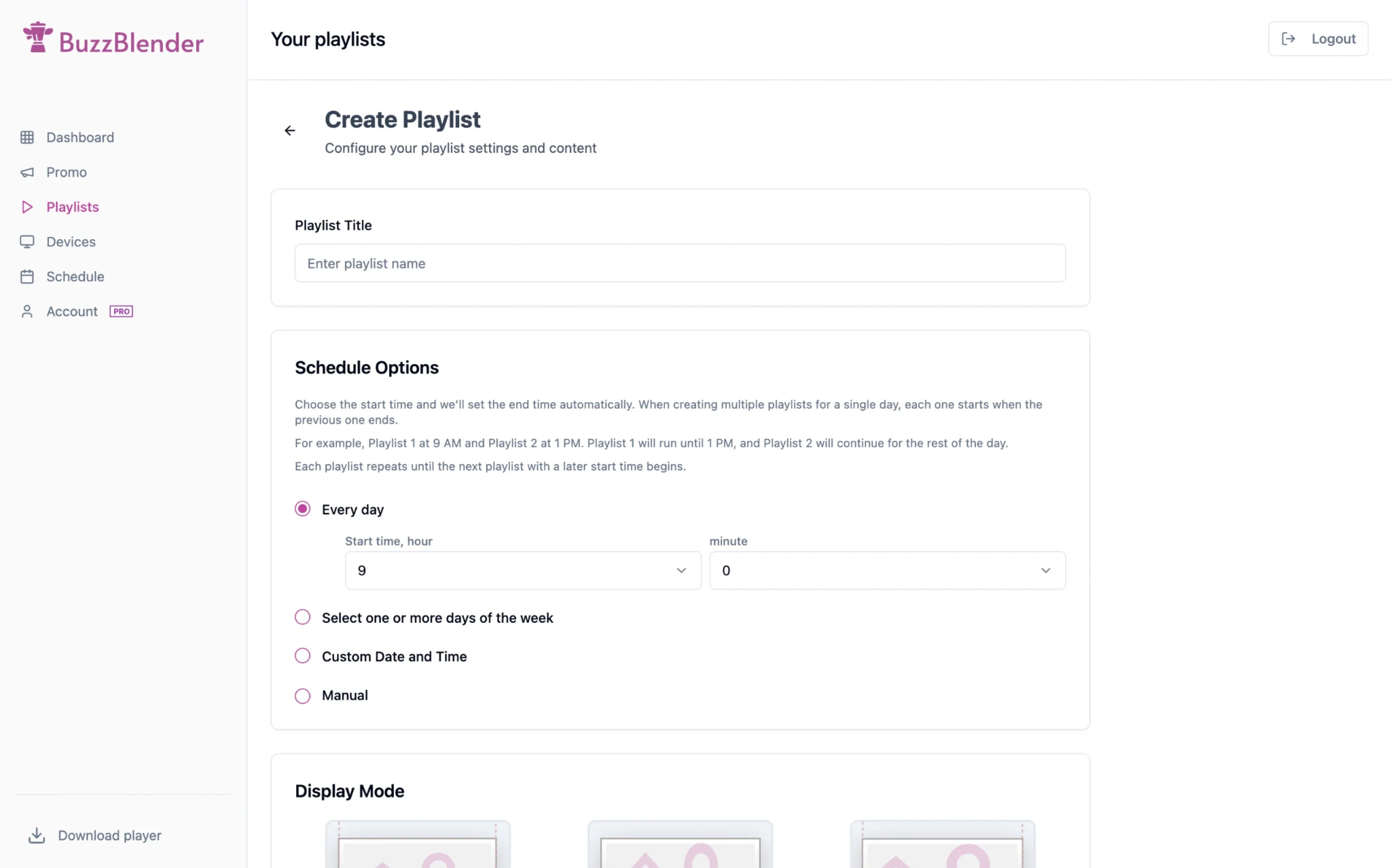
- simple playlist management
- visual promo scheduling
- lightweight remote control
BuzzBlender works particularly well for:
- retail promos
- hospitality
- cafés
- beauty & wellness businesses
- franchise content distribution
- tablet + Samsung mixed deployments
The platform feels closer to a modern content tool than legacy signage infrastructure software.
That distinction matters because signage increasingly behaves like real-time publishing without technical skills required.
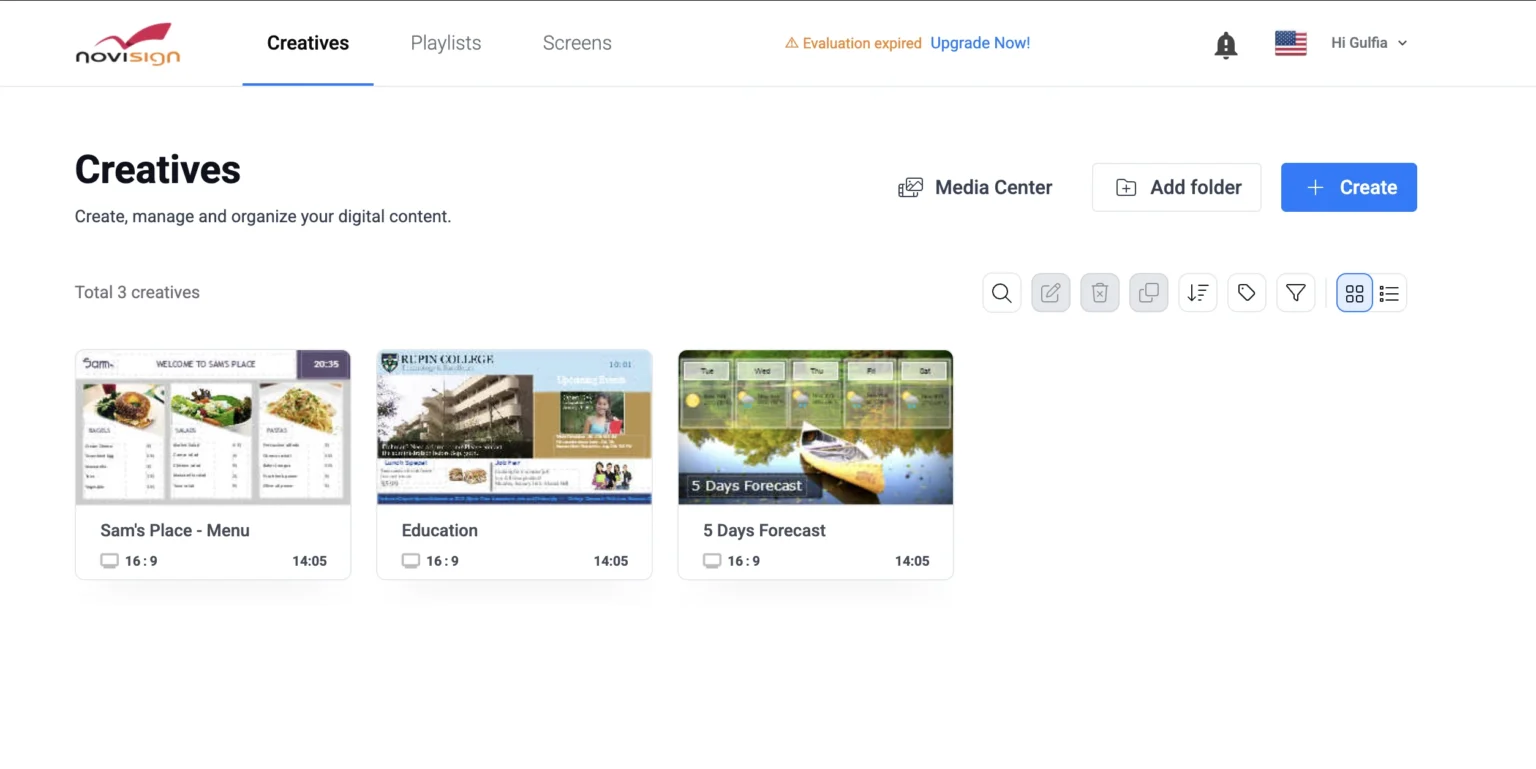
5. NoviSign
NoviSign focuses heavily on interactivity and touchscreen experiences.
Strong Points
- Interactive widgets
- Touchscreen support
- Good template ecosystem
- Strong kiosk functionality
Limitations
- Interface can feel dated
- Advanced projects require more setup
- Learning curve is steeper than lighter platforms
Comparison Table
| Feature | Magicinfo | OptiSigns | Yodeck | BuzzBlender | NoviSign |
|---|---|---|---|---|---|
| Best for | Enterprise Samsung ecosystems | Ease of use | Budget deployments | Fast content workflows | Interactive signage |
| Native Samsung/Tizen focus | Excellent | Good | Good | Excellent | Good |
| Ease of setup | Moderate | Moderate | Moderate | Excellent | Moderate |
| Enterprise scalability | Excellent | Good | Moderate | Excellent | Good |
| Content publishing speed | Good | Excellent | Good | Excellent | Moderate |
| Interactive touchscreen support | Moderate | Moderate | Basic | Moderate | Excellent |
| Best deployment size | Large networks | Small to mid-size | Small to mid-size | Small to mid-size | Interactive environments |
| Learning curve | Higher | Moderate | Moderate | Low | Medium |
| Price | From $15 Screen/Month, billed montly | $10 Screen/Month, billed monthly | $8 Screen/Month, billed annually | $5 Screen/Month | $18 Screen/Month, billed annually |
Which Samsung Digital Signage Software Is Actually Best?
The answer depends less on features and more on operational style.
Choose Magicinfo if:
You run a large Samsung-only enterprise environment and want deep native integration.
Choose Optisigns if:
You care most about templates.
Choose Yodeck if:
You need plenty of apps.
Choose BuzzBlender if:
You want fast, cheap signage without enterprise overhead.
Choose NoviSign if:
Your deployment depends heavily on touch interaction and kiosk functionality.
Final Take
The digital signage market is slowly splitting into two categories:
- Heavy enterprise infrastructure platforms
- Lightweight content-driven publishing systems
Samsung hardware works with both approaches.
But increasingly, businesses prefer tools that make updating content fast and painless instead of turning signage into an IT project.
That’s why simpler, modern platforms are gaining traction — especially in retail, hospitality, and customer-facing environments where content changes constantly.
Because in practice, the best digital signage software isn’t the one with the biggest feature list.
It’s the one your team actually enjoys using.

Lynn Martelli is an editor at Readability. She received her MFA in Creative Writing from Antioch University and has worked as an editor for over 10 years. Lynn has edited a wide variety of books, including fiction, non-fiction, memoirs, and more. In her free time, Lynn enjoys reading, writing, and spending time with her family and friends.