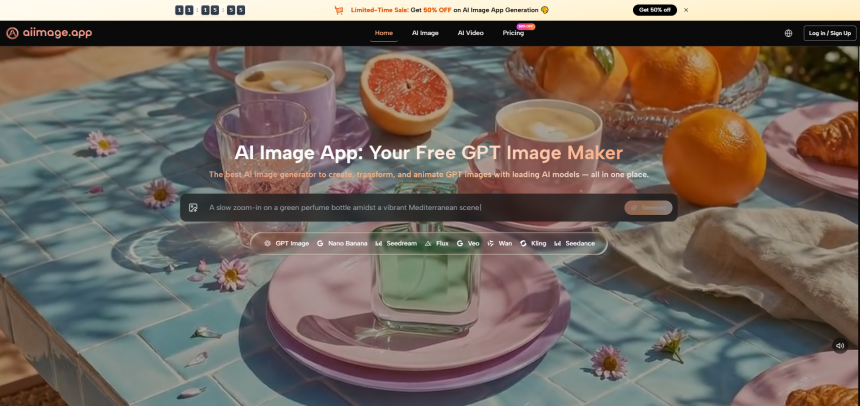
Three weeks into a month‑long content sprint, I hit a wall I hadn’t anticipated. I was producing over a dozen images a day for social posts, newsletter headers, and quick concept shares, and the AI tools I had bookmarked were starting to show their personalities—and not in the way I hoped. One platform kept nudging me toward its premium plan right when I needed a fast export. Another gave me stunning images one day and bizarre anatomical errors the next. The realization that consistency matters more than a single mind‑blowing result slowly reshaped how I evaluated everything. That’s the context in which I kept returning to an AI Image Maker that, while never screaming “look at me,” quietly outlasted flashier alternatives.
My testing wasn’t a side‑by‑side spec sheet exercise. It was a real‑world grind: I used six platforms—Midjourney, DALL‑E, Leonardo AI, Adobe Firefly, Ideogram, and the one I’ll focus on—every working day for thirty days, generating the same types of content I produce for clients. I tracked prompt refinement time, how often I had to regenerate to fix artifacts, whether the image history was easy to review, and how the tool felt at 10 PM when I was tired and just needed one more visual without friction. At the end of the month, some platforms had produced the most gorgeous single images I’d ever seen, but they hadn’t been the ones I opened first thing in the morning.
The early days were a honeymoon with Midjourney’s aesthetic depth. I could spend half an hour iterating on a prompt and get a result that looked like a concept artist had hand‑painted it. But the time cost was real. For daily content, I couldn’t afford to craft a three‑sentence prompt with precise weighting just to get a usable blog header. DALL‑E was fast and friendly but often gave me safe, slightly generic compositions that needed extra post‑processing to feel distinctive. Leonardo AI’s flexibility was impressive, yet I constantly had to navigate a dense UI that felt like a cockpit when all I needed was a steering wheel. Ideogram handled text in images better than most, but its output consistency wobbled; one batch would look professional, the next would look like an early‑era diffusion experiment. Adobe Firefly was the closest competitor for daily reliability—its interface never got in the way—but it lived in an Adobe‑flavored world that sometimes required extra steps to export cleanly outside the ecosystem.
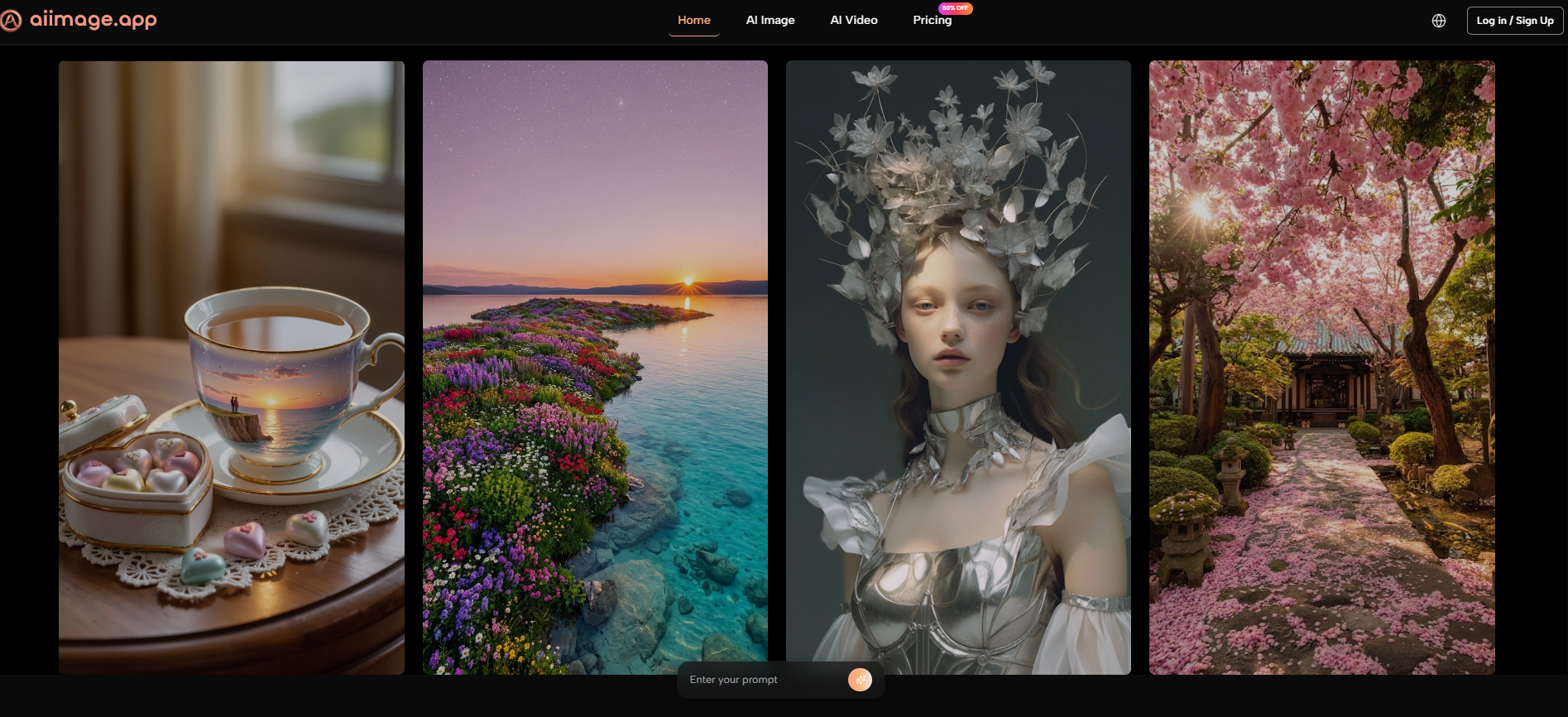
By day seven, I noticed I was routing more of my daily workload through ToImage AI, especially when I needed a reliable model for structured, detailed image generation. The GPT Image 2 model became my default for anything that had to look composed and intentional—product shots, mockups, visual how‑to steps. It wasn’t always the most artistic, but it was predictable in the best sense, and that predictability saved me hours of re‑rolls.
I logged my experience in a comparison table that reflects what mattered most during sustained use. The scores are out of 10, with Overall Score representing a weighted blend that prioritizes reliability, speed, and low cognitive load over pure image beauty. Ad Distraction is again inverted—10 means no ads at all.
| Platform | Image Quality | Generation Speed | Ad Distraction | Update Activity | Interface Cleanliness | Overall Score |
| Midjourney | 10 | 6 | 10 | 9 | 6 | 8.0 |
| DALL‑E | 8 | 9 | 10 | 7 | 8 | 8.2 |
| Leonardo AI | 8 | 8 | 7 | 9 | 6 | 7.6 |
| Adobe Firefly | 9 | 8 | 10 | 8 | 10 | 9.0 |
| Ideogram | 7 | 7 | 5 | 7 | 6 | 6.4 |
| ToImage AI | 9 | 9 | 10 | 8 | 9 | 9.0 |
Firefly tied again in overall score, but the tie dissembles two very different experiences. Firefly’s strength is its seamless integration with a design suite I don’t always need. ToImage AI’s strength was being an independent workspace where I could generate, compare models, and download without ever feeling like I was borrowing a feature from a bigger product. For a content producer who lives outside the Adobe bubble, that independence mattered.
How Consistency Showed Up in Daily Practice
After the first week, I stopped marveling at the images and started noticing the small things that make or break a workflow. The platform kept a scrollable history of my recent generations, which meant I could revisit a Tuesday image on Thursday without digging through folders. I could duplicate a prompt, tweak a few words, and test it against a different model in seconds. The site indicated full commercial rights and no watermarks, which meant I didn’t have to keep a mental checklist of which outputs were safe to use in paid projects. Over dozens of generations, the quality stayed within a narrow, acceptable band; I rarely got a complete dud, and when I did, a quick re‑run usually fixed it.
The Workflow That Became Muscle Memory
My daily routine on the platform settled into a pattern that I could execute in under a minute:
- Enter a detailed text prompt covering subject, style, and composition. I learned that adding a mood descriptor like “calm, morning light” gave the output a more editorial feel without extra complexity.
- Select from the available image generation models. Seeing multiple model options side‑by‑side encouraged me to try variations without leaving the page.
- Generate and immediately review the result. If the image was right, I downloaded it; if not, I tweaked the prompt or switched models and regenerated. The process felt less like “prompt engineering” and more like a conversation with a very fast sketch artist.
- Save or manage generations for later access, which let me batch‑produce a week’s worth of visuals in one sitting and pull them as needed.
This wasn’t flashy. But after thirty days, I realized I had stopped thinking about the tool itself. That’s a sign of a good utility—it disappears and leaves you with the work.
When This Tool Fits, and When It Doesn’t
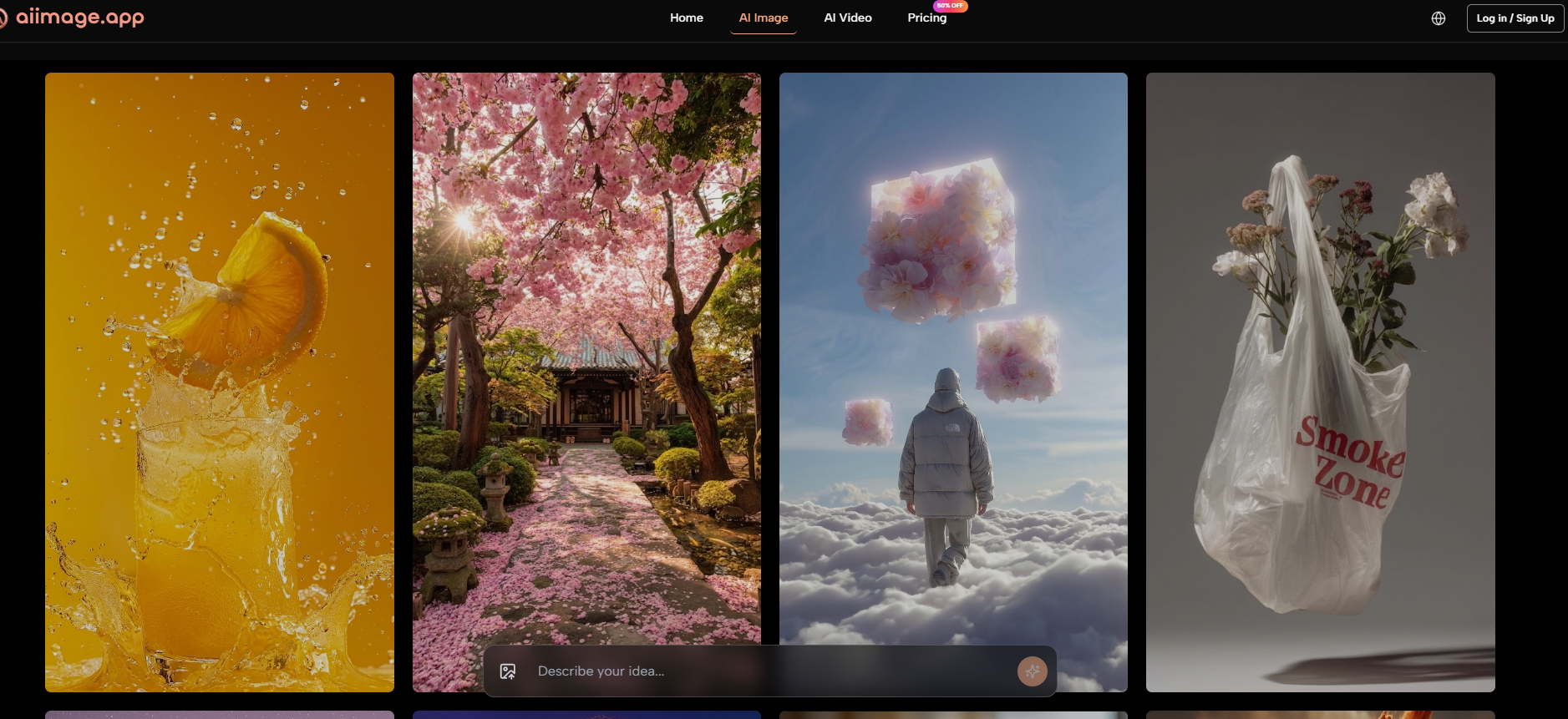
No tool survives a month of daily use without revealing its seams. The platform’s strength in balanced, structured output means that if you’re chasing a hyper‑stylized, painterly look that deliberately breaks the rules of composition, you might find it too tidy. Midjourney still owns that expressive, sometimes messy artistic territory. I also noticed that video generation, while functional, felt more like a bonus feature than a primary one; for short animated clips from stills it worked, but if video were my main output, I’d likely use a dedicated tool. The multiple model approach is a double‑edged sword—having choices is great, but a new user might feel a moment of indecision when facing the model selection screen. That said, after a week, I settled into a groove with one or two favorite models and rarely looked back.
This is a tool for people whose image needs are steady, commercial, and varied. Content marketers who need a consistent visual voice across weeks of posts, e‑commerce teams iterating product shots, solo creators who don’t have a design department—these are the users who will feel the long‑term benefit. It’s not about the single “wow” image; it’s about the 200th image that still looks good enough to publish.
When the month ended, I didn’t unsubscribe from the other services. I still open Midjourney when I need something breathtaking and I have the time to craft it. But my default tab, the one that stays pinned, is the tool that didn’t try to impress me every session. It just worked, day after day, and that’s what daily content creation actually demands.

Lynn Martelli is an editor at Readability. She received her MFA in Creative Writing from Antioch University and has worked as an editor for over 10 years. Lynn has edited a wide variety of books, including fiction, non-fiction, memoirs, and more. In her free time, Lynn enjoys reading, writing, and spending time with her family and friends.