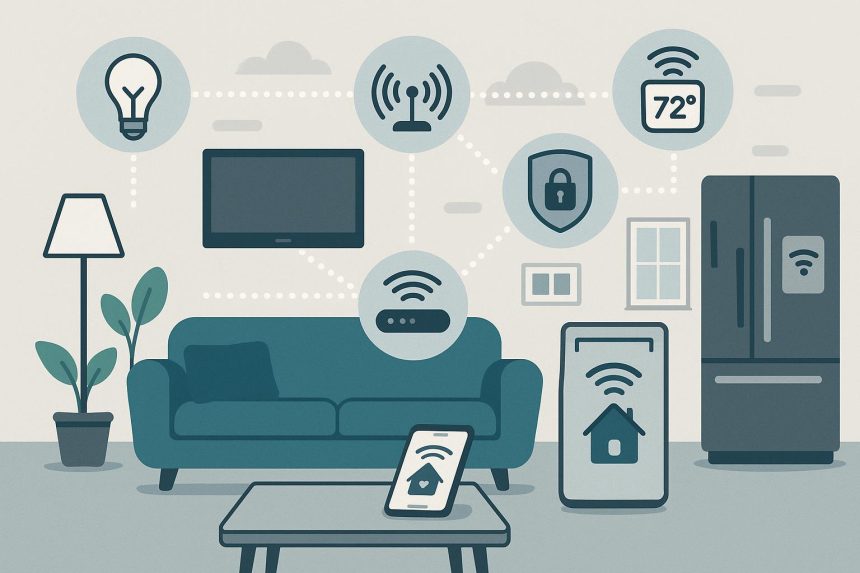
Smart home technology gets talked about a lot. You’ve probably heard phrases like “automation ecosystems”, “IoT devices” or “AI integration” thrown around as if everyone should instinctively know what they mean.
But here’s the truth: smart home technology isn’t nearly as complicated as it sounds. At its core, it’s simply about devices in your home talking to each other — and to you — in ways that make everyday life easier.
Whether you’re switching off the lights from bed, checking your front door while you’re away, or setting the kettle to boil before you step inside, smart technology is all about convenience, comfort and control. And brands like Meross are helping make that experience accessible, affordable and refreshingly simple.
Let’s break it down in plain English.
Step 1: Smart Devices Connect to Your Wi-Fi
Think of your home Wi-Fi network as the “conversation hub”. When you plug in a smart plug, install a smart light bulb or mount a smart camera, you connect it to your Wi-Fi — just like you would with your phone or laptop. Once it’s connected, that device can send and receive information through your internet connection.
That’s it… No complicated wiring. No industrial-grade systems. Just your regular home internet doing what it already does.
Step 2: You Control Devices Through an App
Every smart device pairs with a smartphone app. This app becomes your control centre.
From there, you can:
- Turn devices on or off
- Dim lights
- Adjust temperature
- View security camera footage
- Set schedules
- Create automation rules
Instead of walking from room to room flipping switches, you simply tap your phone. And because everything is connected online, you can control your home from anywhere — at work, on holiday, or halfway across the world.
Step 3: Voice Assistants Join the Party
If you’ve ever said, “Hey Google, turn off the lights,” you’ve already experienced smart home technology in action. Devices connect to voice assistants like Amazon Alexa, Google Assistant and Apple HomeKit – these assistants act like translators. You speak in plain language, and they send the instruction to your smart device via Wi-Fi. No coding. No programming knowledge required.
Step 4: Automation Makes It Feel “Smart”
This is where things get interesting — and genuinely useful. Automation simply means creating “if this, then that” rules. For example:
- If it’s 6:30am, turn on the bedroom lights.
- If the front door opens after 10pm, send a notification.
- If the temperature drops below 18°C, switch on the heater.
Once set up, these rules run automatically – you don’t need to think about them again. The technology isn’t making decisions on its own in some sci-fi way; it’s just following instructions you’ve already given it.
So, What’s Actually Happening Behind the Scenes?
Without diving into heavy tech speak, here’s the simple version:
- Your device connects to Wi-Fi.
- The device communicates with secure cloud servers.
- Your phone or voice assistant sends instructions.
- The instruction travels through the internet.
- The device responds instantly.
It all happens in seconds — often faster than flicking a switch.
Is It Secure?
Security is a common concern, and understandably so. Reputable smart home brands use encryption — the same kind used in online banking — to protect communication between your devices and the cloud. On your end, keeping things secure is straightforward:
- Use strong, unique passwords
- Enable two-factor authentication if available
- Keep your devices updated
Most modern systems make updates automatic, so your devices stay protected without you lifting a finger.
Why Smart Homes are Becoming the Norm in Australia
Smart home technology isn’t just about novelty – it’s solving real, everyday problems.
- Convenience: No more wondering if you left the iron on. Check your app.
- Energy efficiency: Schedule lights and appliances to switch off when not in use.
- Security: Monitor entry points and receive alerts instantly.
- Comfort: Set the mood lighting, adjust temperature, or automate blinds to follow the sun.
For busy households, families with young kids, or anyone juggling work and life, that added layer of control is invaluable.
Do You Need a Fully Automated House?
Absolutely not.
Smart homes don’t have to be all-or-nothing. Most people start small (maybe with a smart plug or a couple of bulbs) and expand gradually. It’s modular – you build it piece by piece, based on what actually improves your lifestyle. That’s one of the biggest myths worth busting: you don’t need rewiring, construction or a tech degree. You just need Wi-Fi and a willingness to try something new.
Smart home technology works because it simplifies the ordinary
It connects everyday devices to the internet, gives you remote control via your phone or voice, and allows you to automate routines so your home runs smoothly in the background. No complicated engineering degree required. No overwhelming jargon necessary. Just practical technology designed to make your life easier — one tap, one schedule, one simple automation at a time.

Lynn Martelli is an editor at Readability. She received her MFA in Creative Writing from Antioch University and has worked as an editor for over 10 years. Lynn has edited a wide variety of books, including fiction, non-fiction, memoirs, and more. In her free time, Lynn enjoys reading, writing, and spending time with her family and friends.